


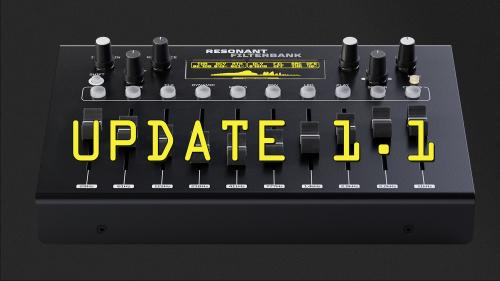

1.1 CHANGELOG
- CLK mode morphing option
CLK mode has a morph function that slides the band value to the target gain. To set the MORPH time press shift and turn the SPREAD knob.
- Mode screens now never reads value on open due to it being confusing when loading a snapshot
- MACRO bug-fix, now initiates correctly
- MIDI clock synced LFO modulations now stop together with the MIDI clock
- MIDI stability improvements and other minor bug fixes
Update procedure:
1) Power off the Resonant Filterbank, connect it to your computer via USB, then power it on while holding DATA ENCODER. The device will appear as an external drive.
2) Open the drive and drag the .uf2 firmware file into the folder.
3) Update will start automatically! After that you can check version in the CONFIG under SYSTEM menu.
DOWNLOAD FIRMWARE HERE
Have fun!