
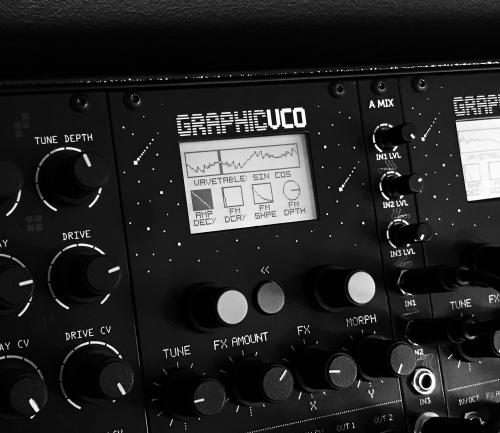

Graphic VCO firmware update 1.1 changelog
- DRUM mode (allows to use GVCO as a drum voice)
- Fine tuning
- Calibration
- Minor bug fixes
To update please follow these instructions:
- Remove the module from the rack and disconnect the PSU cable
- Open Google Chrome and open Erica Synths Firmware Updater App.
- Connect the module to the USB port of your computer
- Select a Graphic VCO module form the list
- Push and hold both encoders and turn on the eurorack case
- Press "Program" on the update app
- Have fun!
Find the updated manual here.
And here is a demo of the new DRUM mode!