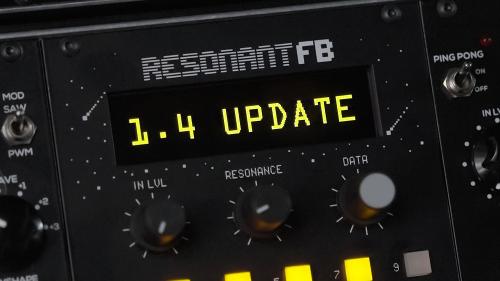

1.3 CHANGELOG
* Feedback menu quick access
Hold SHIFT + button 2 on a mode page to quickly access feedback menu.
* Per patch feedback setting saving
Feedback (all bands or a selected band) can now be saved per patch
* Filter mode switching with CV
In filter mode filter type can now be switched with CV7 input
* Bug fixes
Update procedure:
1. Download the audio file to your computer.
2. Connect the audio/headphones output of your computer to the AUDIO IN input of the Resonant FB.
3. Whilst holding down buttons CH9 and CH10 on the Resonant FB connect it back to power - your Resonant FB will advance into the FW update mode.
4. Play the firmware update audio file and see the LEVEL indicator. The level must be around top half of the bar - if that is not the case, increase your computer volume level if the level is too low or lower if the level is too high. Alternatively change the gain of the Resonant FB by rotating the DATA encoder.
5. The firmware update will take few minutes.
Once the update is completed, restart your rack.
DOWNLOAD
Have fun!